
Home/Data recovery
When files disappear
Stop. Do not make it worse.
Every minute a failing drive is powered on can be the difference between recovering your files and losing them. Bring it to us before you try anything — that first step is free.
The one rule
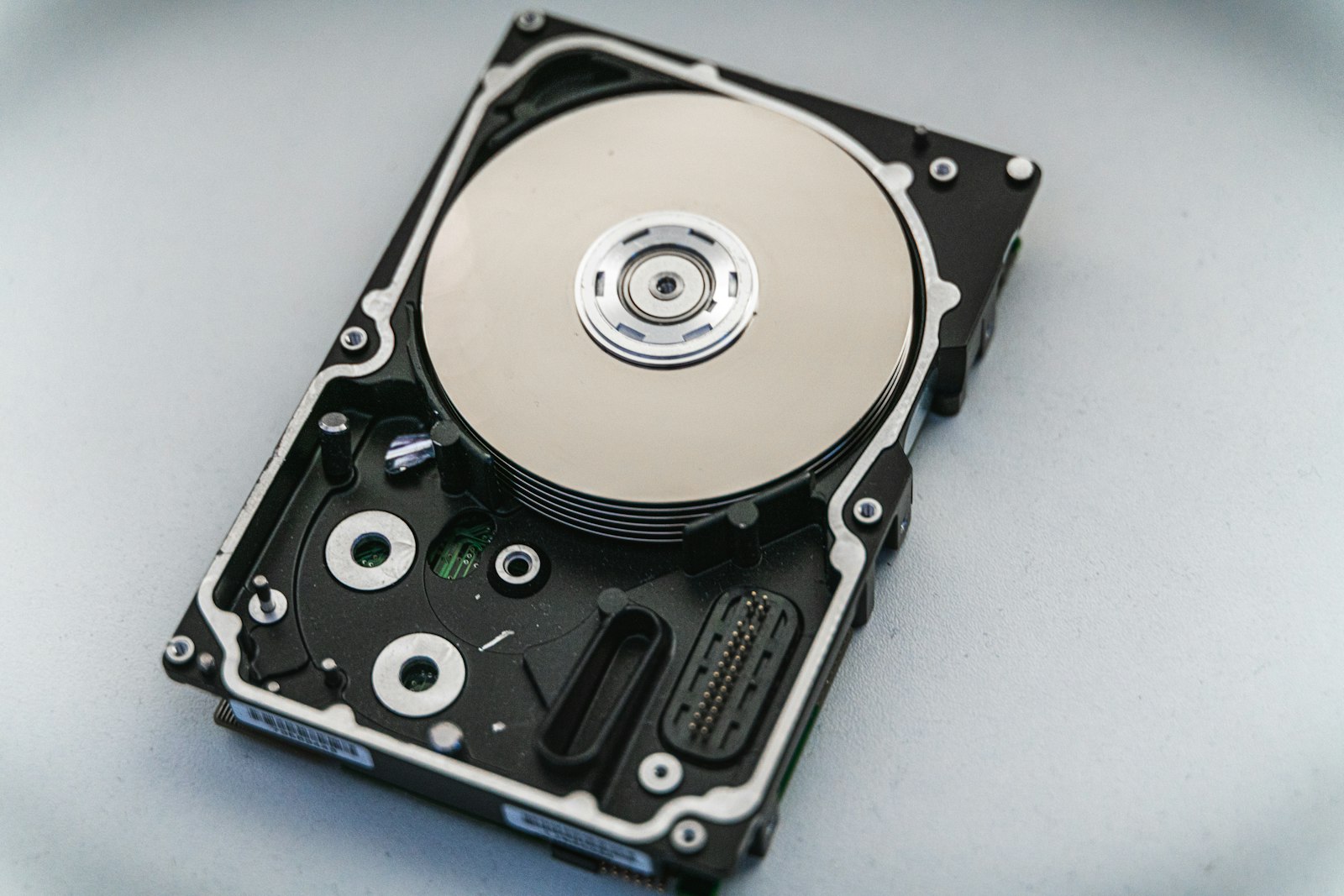
Stop using the affected device. Do not format it. Do not install recovery software on it. Do not save recovered files back onto it. If a drive is clicking, squealing, disconnecting, or repeatedly throwing errors — power it down and contact us before you try anything else. Avoid opening a hard drive or attempting a RAID rebuild without an assessment.
What we handle
Damaged hard drive. Broken USB device. RAID problems. Storage that has gone inaccessible. Whether the missing information is business records or family photographs, the first step is understanding what went wrong — and that evaluation is free.
- External drive not detected. Disappears, clicks, or will not open over USB.
- Accidentally deleted or formatted. Different problems with very different odds.
- SSD versus hard drive failure. They fail differently and the symptoms mean different things.
- Corruption or a system that will not boot. Sometimes the files are fine and the partition table is not.
Can deleted files be recovered?
Sometimes, and the answer depends almost entirely on what happened next. Deleted files are usually still on the disk until something writes over them. Formatted is harder, especially on an SSD, because wear-leveling can rewrite blocks without you doing anything. This is the single best argument for stopping immediately rather than "looking for the file" across the disk.
Backup of a failing drive
If a drive is failing and you need the files on it, we can attempt a backup of a failing hard drive from $150. This is priced before we start, because the difficulty of a failing read is impossible to quote remotely. Bring it in and we will look at it at the bench.
Why is my computer running so slow?
Usually one of five things: a mechanical hard drive instead of an SSD, too many startup programs, low free disk space, insufficient memory, or dust and heat. The fourth is the expensive one. That is why protecting data on a failing drive comes before any troubleshooting — a speed problem and a dying drive look identical until you test the drive.
How it works
Free evaluation, then an honest answer
You get an assessment of what is recoverable before anyone commits to a recovery job.
Power it down
If it is clicking, squealing or erroring, leave it off and bring it to us.
Free evaluation
Complimentary limited evaluation of your data situation at check-in.
Options & odds
We explain what is recoverable and what the recovery would cost. Then you decide.
Recovery to safe media
Recovered files go to new storage — never back onto the failing device.
Midtown shop
Walk in, or send photos first
3512 Travis Street, Houston. Free parking in front, near the HCC/Ensemble METRORail station. Walk-ins welcome Monday through Saturday — no appointment needed.
If the drive will not power on at all, call us first so we can make sure the bench is free and we have the right equipment for it.